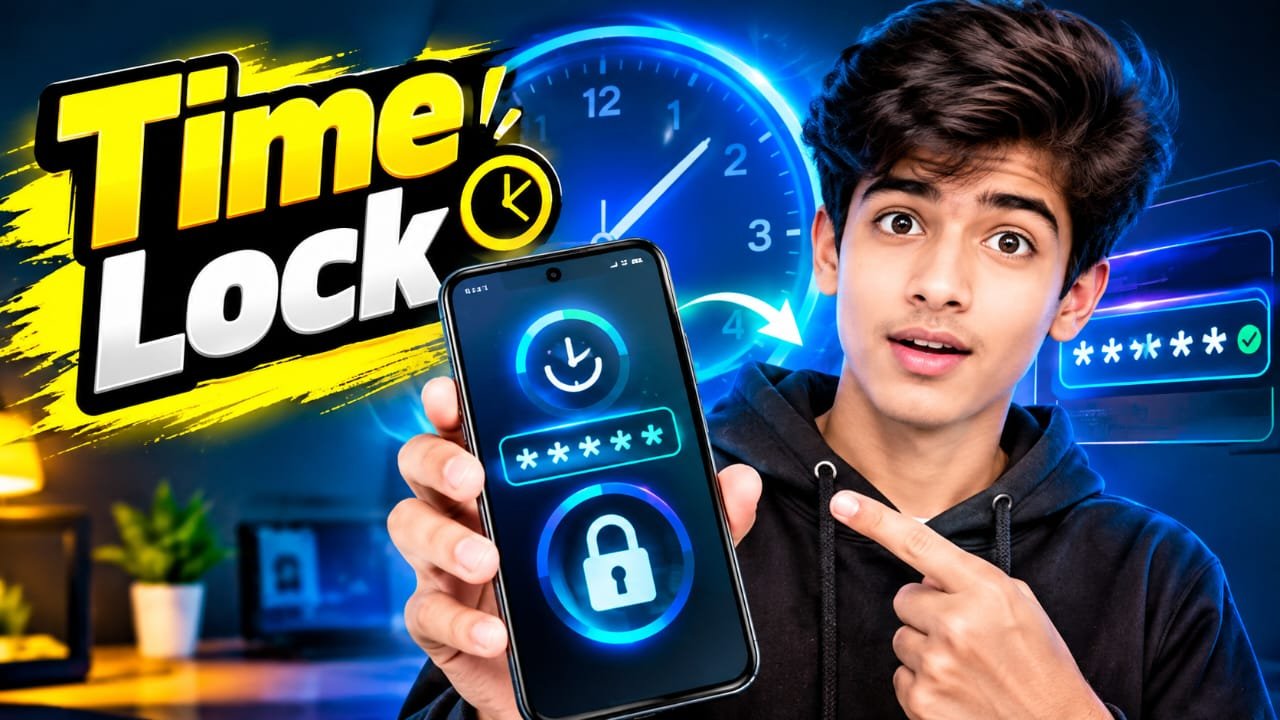
Time Lock: A Simple Way to Protect Apps and Manage Access
In a world where smartphones contain private photos, messages, banking information, and important documents, protecting personal data has become more important than ever. Time Lock is a useful concept that combines privacy protection with time-based access control. Instead of simply locking an app or device, a time lock can restrict access during specific periods or require a waiting period before an action becomes available.
Whether you want to protect an application, limit screen time, or add another layer of privacy to your phone, understanding how Time Lock works can help you choose the right solution.
What Is Time Lock?
Time Lock is a security or access-control feature that uses time as part of the locking process. Depending on the app or service, it may allow users to lock applications for a certain duration, schedule when access is blocked, or prevent someone from opening protected content until a specified time.
For example, you could set a social media app to remain locked from 10 PM until 7 AM. During this period, the application may require a password, PIN, fingerprint, or another authentication method.
Time-based restrictions are particularly useful for people who want both privacy and better digital habits.
How Does a Time Lock Work?
The exact process depends on the application, but most time lock systems follow a simple process.
1. Select What You Want to Lock
You first choose an app, folder, feature, or digital resource that needs protection. Some tools allow individual applications to be selected, while others can restrict access to an entire device.
2. Set the Time
You then choose the locking period. This might be a fixed duration, such as 30 minutes or two hours, or a schedule such as overnight.
3. Enable Authentication
Many privacy-focused solutions combine time restrictions with authentication. A PIN, password, fingerprint, or device security method can prevent unauthorized access.
4. Access Is Restricted
Once the Time Lock becomes active, the protected application or feature cannot be accessed normally until the restriction expires or the required authentication is provided.
Key Features of Time Lock
A good Time Lock solution can provide several useful features.
Scheduled App Locking
Scheduled locking allows users to decide exactly when certain applications should be unavailable. This can be helpful for social media, gaming, entertainment, and other apps.
Password and PIN Protection
A secure PIN or password adds an additional privacy layer. Choose a strong, unique code instead of an easily guessed combination.
Biometric Security
Some modern apps can work with fingerprint or other biometric authentication supported by the device. This makes unlocking faster while maintaining security.
Screen Time Management
Time-based restrictions can also help users reduce unnecessary smartphone use. For example, entertainment apps can be restricted during work or study hours.
Privacy Protection
Time Lock can be useful when you share your phone with family members, colleagues, or friends. Restricting access to selected applications can help keep personal information private.
Benefits of Using Time Lock
One of the biggest advantages is better control over digital access. Instead of relying entirely on a normal screen lock, users can apply additional restrictions to individual apps.
Time Lock can also help protect sensitive information. Banking apps, private messaging applications, photo galleries, and document storage may contain information that you do not want others to access.
Another benefit is productivity. Scheduled restrictions can reduce distractions by temporarily blocking applications that frequently interrupt work, study, or sleep.
Time Lock vs. Regular App Lock
A regular app lock generally protects an application by requiring authentication whenever someone tries to open it.
A Time Lock, on the other hand, adds a time-based element. It can determine when an app should be restricted or how long access should remain unavailable.
For example, a normal app lock might require a PIN every time you open your photo gallery. A Time Lock system could additionally restrict access to selected apps during specific hours.
Tips for Using Time Lock Securely
For the best results, use a strong PIN or password and avoid sharing it with other people. Keep your smartphone’s operating system and security updates current, as outdated software may contain vulnerabilities.
Only install privacy or locking applications from trustworthy sources. Before granting permissions, check what information the app can access and whether those permissions are necessary.
You should also test the Time Lock settings after configuring them. Make sure important applications, emergency functions, and necessary notifications continue to work as expected.
Conclusion
Time Lock can be a practical solution for combining smartphone privacy, access control, and digital wellbeing. By using scheduled restrictions, passwords, PINs, and biometric authentication, users can control when important or distracting applications are accessible.
Download
The best approach is to use Time Lock as one part of a broader security strategy. A strong device password, updated software, trusted applications, and careful permission management can provide an even stronger layer of protection for your personal information.