3D Video Maker: Create Professional 3D Videos Easily
Have you ever watched a video with realistic 3D animations, moving objects, stunning visual effects, and cinematic transitions and wondered how it was created? Today, you don’t need to be a professional animator or have expensive equipment to produce impressive 3D videos. With a modern 3D video maker, anyone can transform creative ideas into engaging visual content.
Whether you are a content creator, business owner, student, marketer, or social media enthusiast, 3D video creation tools make it easier to produce professional-looking videos. Many platforms offer beginner-friendly interfaces, ready-made templates, animation effects, and artificial intelligence (AI) features that simplify the entire process.
In this guide, we will explore what a 3D video maker is, how it works, its essential features, and how you can choose the right software for your creative projects.
What Is a 3D Video Maker?
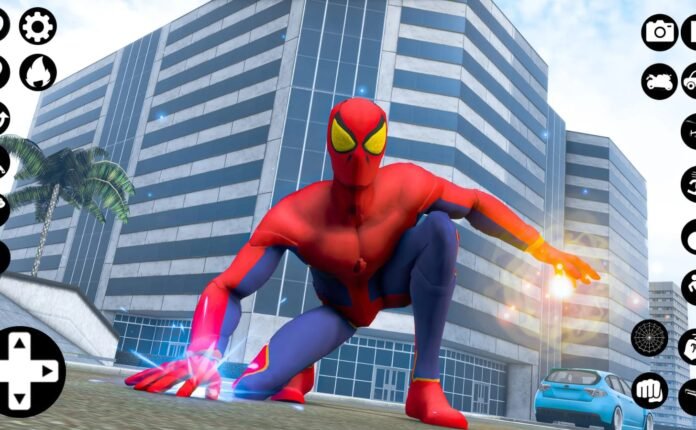
A 3D video maker is a software application or online platform that allows users to create videos using three-dimensional objects, characters, environments, and animations.
Unlike traditional 2D videos, which display images on a flat surface, 3D videos create the appearance of depth, perspective, and realistic movement. These videos can make objects appear closer, farther away, or move naturally within a virtual environment.
For example, a business can use 3D animation to demonstrate how a product works, while a YouTube creator can produce animated characters and attractive storytelling videos.
Modern 3D video makers offer different tools for creating:
-
3D animated characters and cartoons.
-
Product demonstrations and promotional videos.
-
Realistic backgrounds and virtual environments.
-
Educational and explainer videos.
-
Social media advertisements.
-
Architectural and interior design presentations.
How Does a 3D Video Maker Work?
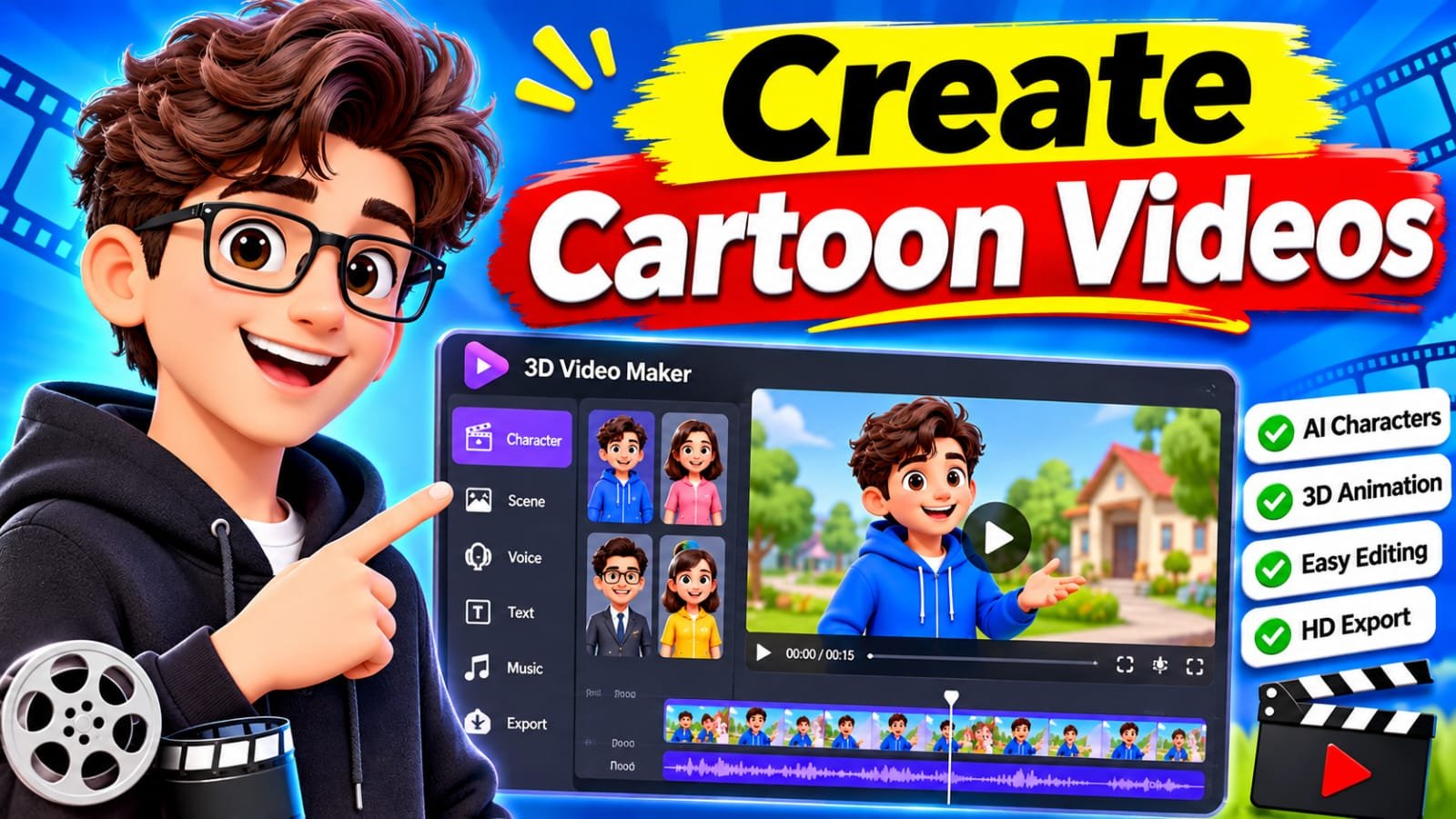
Most 3D video creation software follows a simple process. Users create or import objects, arrange them in a virtual environment, apply animations, and export the final video.
Here are the main steps involved.
1. Choose a 3D Template or Project
Start by selecting a template or creating a new project. Templates are particularly helpful for beginners because they provide pre-designed scenes, objects, and animation settings.
Some platforms also allow users to generate scenes from text prompts using AI-powered tools.
2. Add 3D Objects and Characters
Next, add the objects you want to display in your video. Depending on the software, you can select ready-made models, upload custom designs, or create objects from scratch.
For example, an online store could use a 3D product model to showcase a smartphone from different angles.
3. Apply Animation and Effects
Animation gives life to your 3D objects. You can make characters walk, products rotate, cameras move, and objects interact with their surroundings.
Popular effects include:
-
Camera movements and zoom effects.
-
Realistic lighting and shadows.
-
Object rotation and movement.
-
Particle and transition effects.
-
Character animation.
4. Edit and Export Your Video
After completing the animation, adjust the timing, background music, voiceovers, and visual effects. Preview the project before exporting it in your preferred video resolution and format.
Best Features to Look for in a 3D Video Maker
Not every 3D animation program offers the same capabilities. Choosing software with useful features can save time and improve the quality of your videos.
User-Friendly Interface
A simple interface makes video creation easier, especially for beginners. Look for drag-and-drop editing, organized menus, and easy-to-understand controls.
AI-Powered Video Creation
AI video generation is becoming an important feature in modern creative software. Some tools can turn written prompts, images, or existing assets into animated video scenes.
This can help creators develop ideas faster without manually designing every element.
Ready-Made Templates
Templates reduce production time and provide inspiration. They are useful for advertisements, product presentations, educational content, and social media videos.
High-Quality Video Export
Professional projects often require high-resolution output. Look for support for Full HD and 4K video export, depending on your project requirements and hardware.
Audio and Editing Tools
Sound effects, background music, voiceovers, subtitles, and transitions help make a 3D video more engaging.
Benefits of Using 3D Video Creation Software
A good 3D video maker offers several advantages for individuals and businesses.
Better visual communication: 3D animation can explain complicated products, services, and ideas more clearly than static images.
Cost-effective production: Some software provides affordable templates and built-in assets, reducing the need for expensive production equipment.
Improved marketing: Businesses can use animated product demonstrations and promotional videos to attract potential customers.
Creative flexibility: Users can experiment with different characters, environments, camera angles, and animation styles.
Social media engagement: Eye-catching 3D content can help creators produce more interesting videos for platforms such as YouTube, Instagram, TikTok, and Facebook.
How to Choose the Right 3D Video Maker
Before purchasing a subscription or installing software, consider your creative goals and technical requirements.
Here are some practical tips:
-
Check your experience level: Beginners should choose software with simple editing tools and helpful tutorials.
-
Compare pricing: Review free plans, monthly subscriptions, commercial licenses, and export restrictions.
-
Review available features: Make sure the platform supports the animations and effects you need.
-
Check device compatibility: Some advanced 3D software requires a powerful computer and dedicated graphics hardware.
-
Test export quality: Create a short sample video to evaluate resolution, rendering speed, and visual quality.
-
Understand commercial rights: If you plan to create advertisements or business videos, check the software’s licensing terms.
Popular Tools for Creating 3D Videos
Several well-known platforms provide tools for 3D modeling, animation, and video production.
-
Blender: A powerful free and open-source application for 3D modeling, animation, rendering, and visual effects.
-
Autodesk Maya: Professional software widely used for character animation, visual effects, and film production.
-
Cinema 4D: A popular choice for motion graphics, product visualization, and creative animations.
-
Adobe After Effects: Useful for adding motion graphics, compositing, and visual effects to video projects.
Each tool serves different needs, so compare its features and learning requirements before making a decision.
Tips for Creating Better 3D Videos
Creating attractive 3D videos requires more than adding animations and visual effects. A few simple practices can make a significant difference.
-
Keep your video focused on one main message.
-
Use realistic lighting and suitable camera angles.
-
Avoid adding too many effects to a single scene.
-
Choose background music that matches the video’s mood.
-
Keep animations smooth and consistent.
-
Optimize video resolution and file size for your publishing platform.
-
Watch your final video on different screen sizes before publishing.
Remember that clear storytelling and useful information are often more important than complicated visual effects.
Conclusion
A 3D video maker is a valuable tool for anyone interested in creating attractive animations, product demonstrations, promotional content, and professional visual presentations. With modern animation software and AI-powered features, producing high-quality 3D videos has become more accessible than ever.
Whether you are starting a YouTube channel, promoting a business, creating educational content, or exploring animation as a hobby, the right software can help turn your ideas into impressive videos.
generate Now
Start with a beginner-friendly tool, experiment with templates and animation effects, and gradually explore advanced features as your skills improve. With creativity and practice, you can create professional-looking 3D videos that capture attention and communicate your message effectively.