CapCut Pro: Features, Benefits, Pricing, and Editing Guide
Creating professional-looking videos no longer requires expensive editing software or advanced technical skills. Whether you are a content creator, social media marketer, YouTuber, or beginner, having the right video editing tool can make a significant difference. CapCut Pro is a popular video editing solution that offers advanced tools, premium effects, AI-powered features, and creative options to help users produce high-quality videos.
From editing short-form content for TikTok and Instagram Reels to creating professional promotional videos, CapCut provides tools for different editing needs. But what does the Pro version offer, how much does it cost, and is upgrading worth it? Let’s explore its features, benefits, pricing, and practical editing guide.
What Is CapCut Pro?
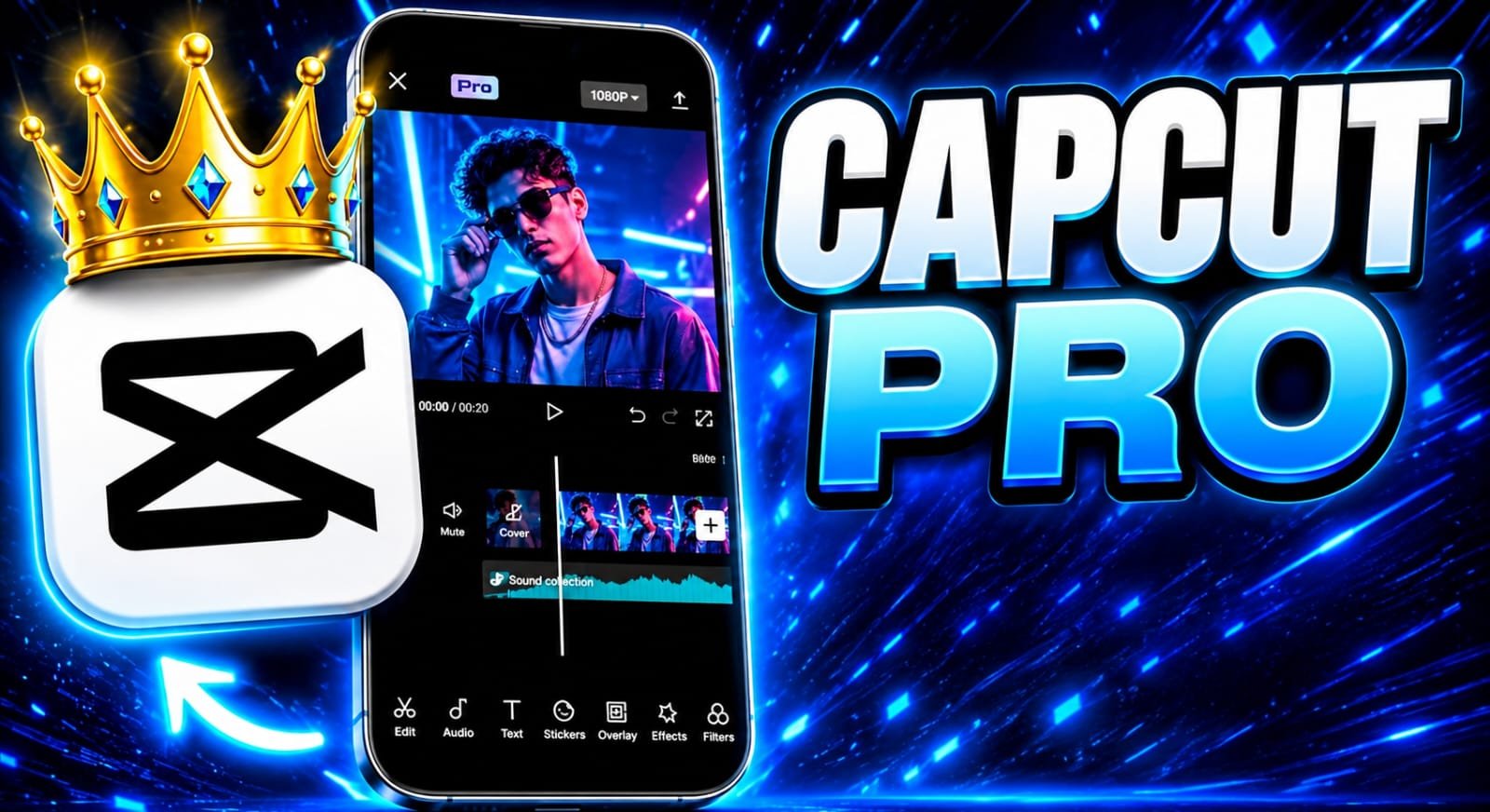
CapCut Pro is the premium subscription version of CapCut, a video editing application developed by ByteDance. It is designed for users who want access to additional editing resources and advanced creative tools.
While the free version provides essential editing functions, CapCut Pro unlocks selected premium effects, templates, filters, transitions, and other advanced resources.
It is useful for:
-
YouTubers and video creators.
-
TikTok and Instagram content creators.
-
Digital marketing professionals.
-
Small businesses and online stores.
-
Freelancers offering video editing services.
Key Features of CapCut Pro
CapCut Pro includes several features that can make video production easier and more efficient.
1. Advanced Video Editing Tools
Users can trim, split, merge, crop, and adjust video clips using a straightforward editing interface. Multi-layer editing also makes it possible to combine videos, images, text, and audio in one project.
2. Premium Effects and Filters
The Pro subscription provides access to additional visual effects, transitions, filters, and creative elements. These resources help improve the appearance of videos without requiring complicated manual editing.
3. AI-Powered Editing Features
CapCut offers AI-assisted tools that can simplify common editing tasks. Depending on the platform and availability, these may include automatic captions, background removal, text-to-speech, and other intelligent editing features.
4. Professional Audio Editing
Good audio is essential for engaging videos. CapCut includes music, sound effects, voiceovers, and audio adjustment tools. Certain premium audio resources may require a Pro subscription.
5. High-Quality Video Export
CapCut supports different export settings depending on the device, project, and subscription. Higher-resolution export options may be available for eligible projects and devices.
6. Cloud Storage and Cross-Device Editing
CapCut Pro offers cloud storage for saving video projects and creative assets. The updated Pro plan lists up to 1TB of storage, helping creators manage larger projects and work across supported devices.
CapCut+1
Benefits of Using CapCut Pro
Upgrading to CapCut Pro can offer several advantages, particularly for people who regularly produce video content.
-
Save editing time: AI-assisted tools and ready-made templates can speed up common editing tasks.
-
Improve video quality: Premium effects, filters, and transitions help create more polished videos.
-
Create professional content: Advanced tools are useful for advertisements, product demonstrations, and social media campaigns.
-
Support business marketing: Businesses can create promotional videos without always hiring an external editor.
-
Manage larger projects: Cloud storage makes it easier to organize and access creative work.
For example, an online store can use CapCut Pro to create product demonstration videos, add captions, include background music, and prepare promotional content for social media platforms.
CapCut Pro Pricing: How Much Does It Cost?
CapCut offers free and paid subscription options. The price of CapCut Pro depends on your country, device, billing period, taxes, and available promotions.
The official pricing page currently displays the following US reference prices:
| Plan | Reference price |
|---|---|
| Free | $0 |
| Pro | $19.99/month |
| Ultra | $79/month |
| Teams | $12.49/month per seat |
The Pro plan includes premium editing resources, AI features, 1,200 monthly AI credits, and up to 1TB of cloud storage.
Choose the Right Plan+1
Important: These are reference prices, not guaranteed prices for every country. Before subscribing, visit the official CapCut pricing page and sign in to check the exact price available for your account.
CapCut+1
How to Edit Videos Using CapCut Pro
You do not need professional editing experience to get started. Follow these simple steps:
Step 1: Open CapCut and Create a Project
Download CapCut from its official website or your device’s app store. Sign in to your account, open the application, and select the new project option.
Step 2: Import Your Video Clips
Select the videos and images you want to edit. Arrange them on the timeline in the correct order.
Step 3: Edit and Enhance Your Video
Trim unwanted sections, adjust brightness, add transitions, and apply suitable filters. You can also use available AI tools to simplify editing.
Step 4: Add Text, Captions, and Music
Include engaging titles, subtitles, background music, or voiceovers. Keep text readable and choose audio that matches the video’s mood.
Step 5: Export and Share
Preview your completed video, select the appropriate resolution and frame rate, and export it. Choose settings that suit your target platform and audience.
Is CapCut Pro Worth It?
CapCut Pro can be a worthwhile investment if you frequently create videos and need premium editing tools. It is particularly useful for professional content creators, freelancers, social media managers, and businesses.
However, beginners who only need basic trimming, text, and simple transitions may find the free version sufficient.
Before upgrading, consider how often you edit videos and whether the premium features will genuinely improve your workflow.
Tips for Getting Better Results With CapCut Pro
Here are some practical tips to improve your video editing experience:
-
Use high-quality original footage for better results.
-
Avoid excessive transitions and unnecessary visual effects.
-
Add captions to make videos easier to understand.
-
Use consistent fonts and colors to develop your brand identity.
-
Choose background music that matches your content.
-
Export videos using suitable resolution and frame-rate settings.
-
Review your project before publishing to identify editing mistakes.
Conclusion
CapCut Pro is a powerful video editing solution for creators who want more creative control, advanced editing features, premium templates, and AI-powered tools. Its combination of accessible editing tools and professional resources makes it useful for social media content, business promotions, YouTube videos, and marketing campaigns.
App Link
Although the free version is a good starting point, upgrading to CapCut Pro can provide additional flexibility and help streamline your editing workflow. Ultimately, the best choice depends on your creative requirements, budget, and how frequently you produce videos.